



Description
A WooCommerce countdown ready in minutes
Plugingo Cart Countdown FREE 1.1.0 shows a fixed 30 minute timer in the cart and checkout. Upon expiration, it empties the cart automatically, without requiring configurations.
The countdown in the cart
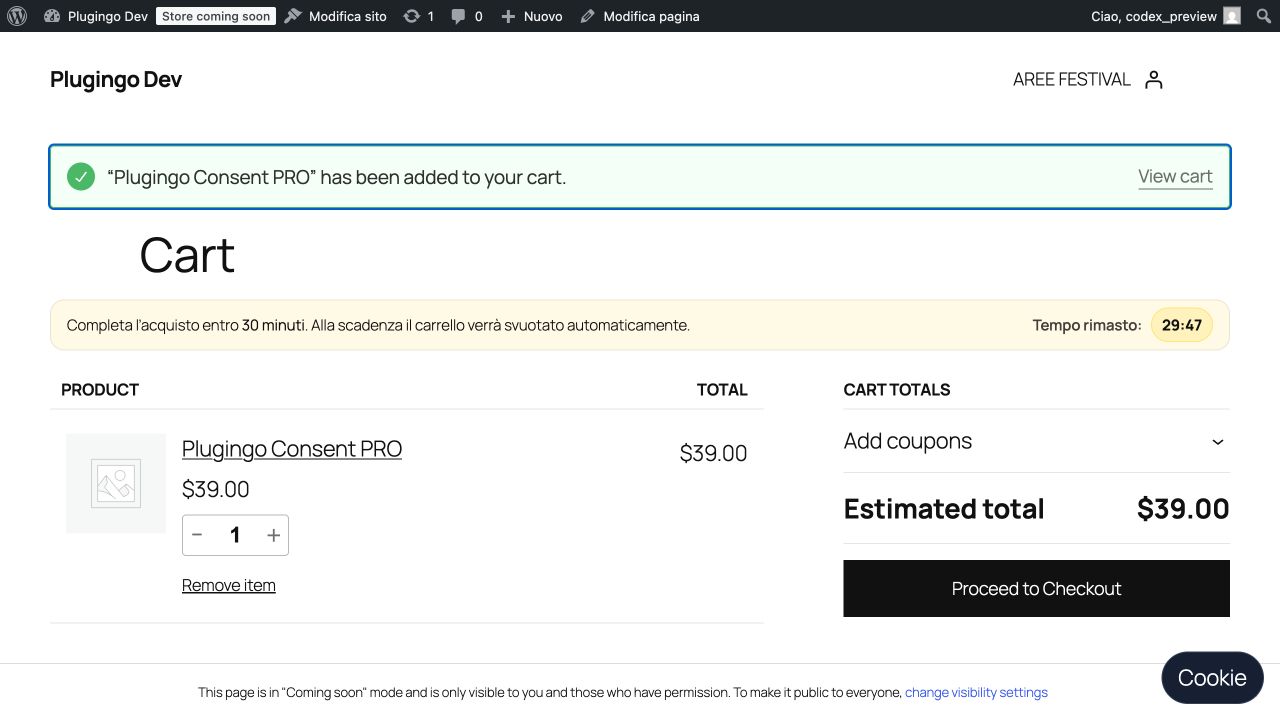
Preview panel
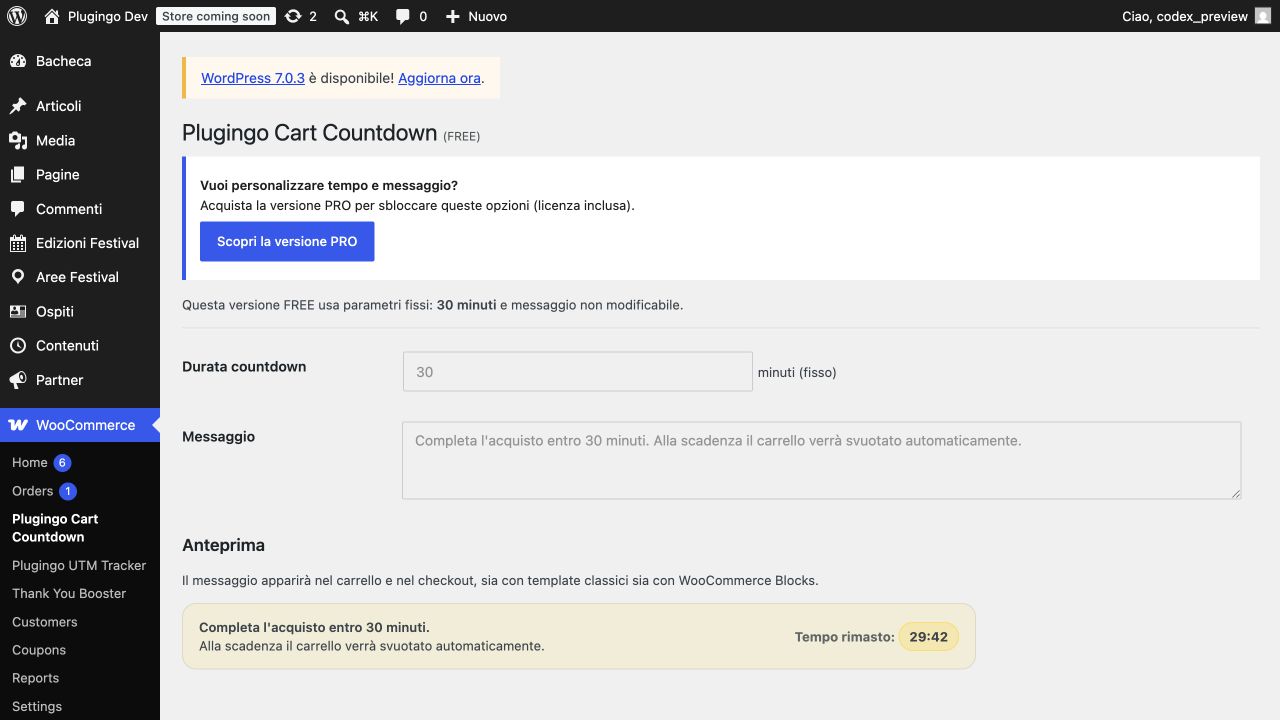
Features included
- Fixed 30 minute countdown in cart and checkout.
- Automatic emptying of the cart upon expiration.
- Support for classic templates and WooCommerce Cart/Checkout blocks.
- Synchronization with server time and responsive operation.
- Assistive technology accessible timer and preview page.
FREE vs PRO
| Function | FREE | PRO |
|---|---|---|
| Duration | 30 minutes | Configurable |
| Message | Default | Customizable |
| Cart and checkout | Included | Included |
| WooCommerce Blocks | Included | Included |
What's new in version 1.1.0
- FREE no longer deactivates PRO if the latter is already active.
- Preview of the timer on the settings page.
- Accessibility improvements and more efficient JavaScript timer handling.
- More conservative controls for the update system.
Quick installation
- Download the ZIP file and install it from Plugins > Add New.
- Activate the plugin with WooCommerce already active.
- Add a product to the cart: the countdown starts automatically.
Requirements
- WordPress 6.0 or higher.
- WooCommerce 8.x, 9.x or 10.x.
- PHP 7.4 or higher.
Note on use
Use messages that are transparent and consistent with what actually happens at the deadline. The FREE version always empties the cart after 30 minutes.
Changelog
1.1.0 – Fixed FREE/PRO compatibility, administrative preview, improved accessibility and timer, more conservative updater.
1.0.6 – Support for WooCommerce Blocks and maintenance of the update system.
Upgrade to the advanced version
To choose duration and message, discover Cart Countdown PRO plugin.
Before installing
- Check your WordPress version and any WooCommerce requirements listed in the documentation.
- Try installing on staging when the site handles orders or active users.
- For assistance and updates use the official Plugingo channels.
When to switch to the PRO version
The FREE version allows you to experience the essential flow. If you need advanced controls, reports or automations, find out Cart Countdown PRO plugin.
More value with Plugingo PASS
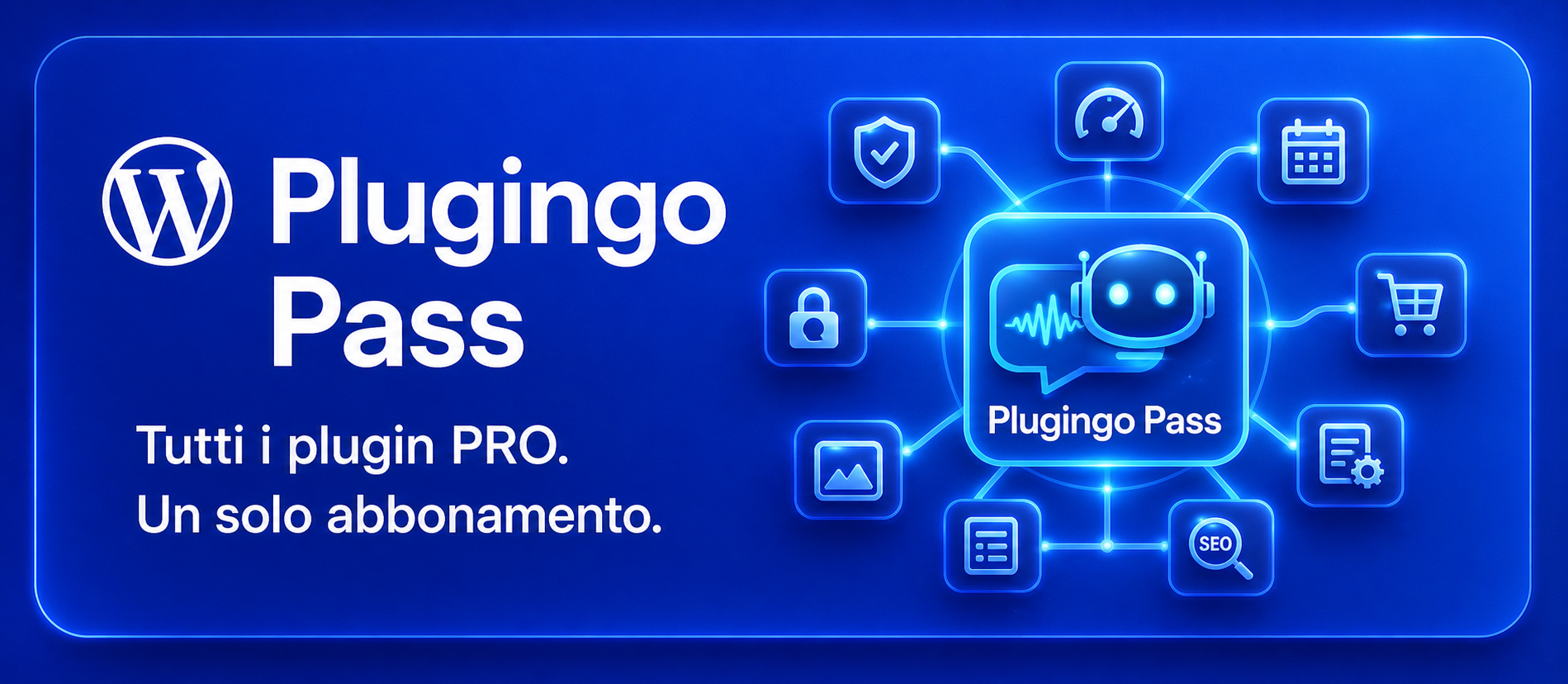
FREE and PRO Plugingo plugins are included in Plugingo PASS; subscribers also receive a 20% discount on PREMIUM plugins.



Reviews
There are no reviews yet.