 FREE
FREEWoo Thank You Booster plugin FREE
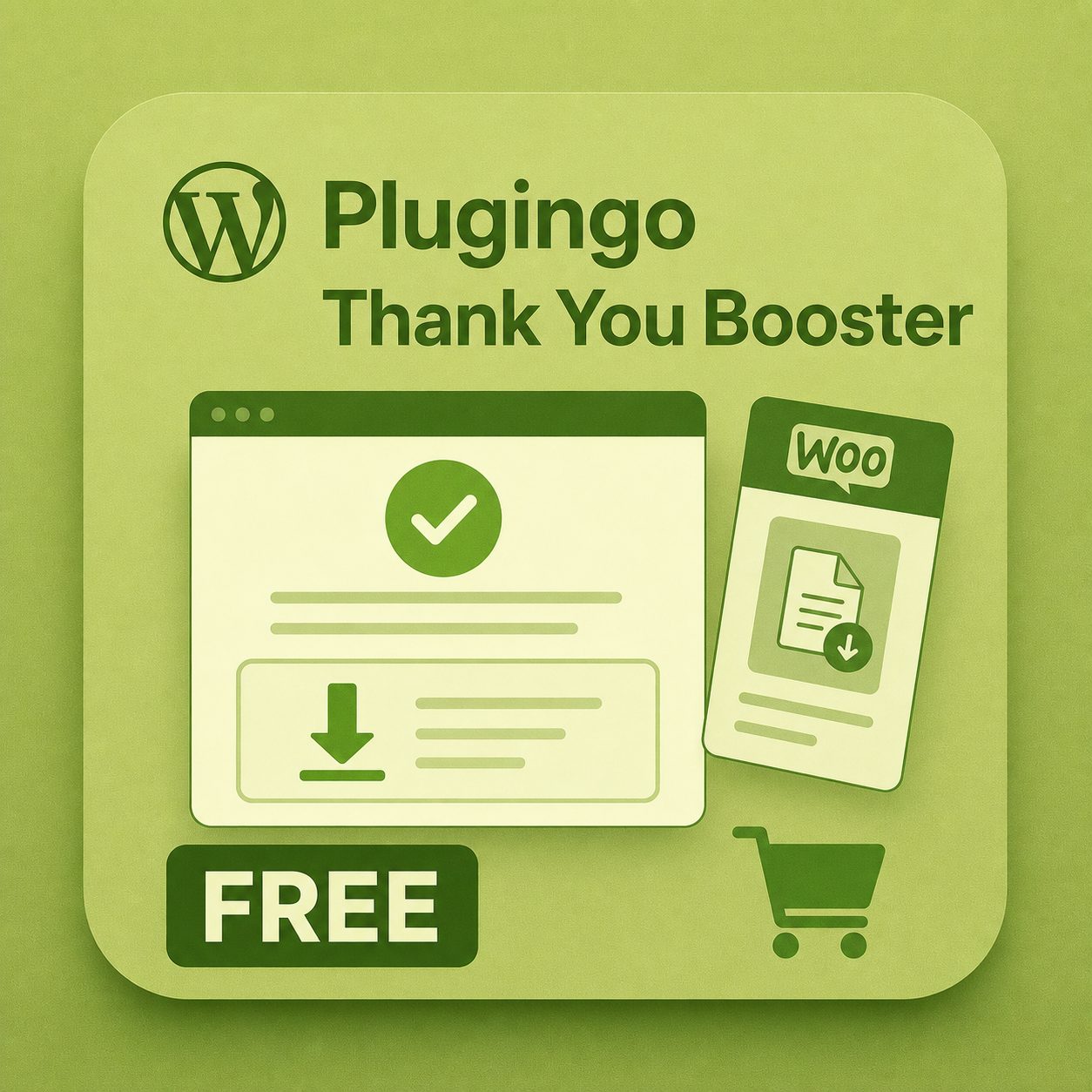
Makes the order received page more useful with CTA, instructions and downloads.
0,00 €Download for free
 plugingo.it
 English
The order received page should not just be a confirmation. For digital products and plugins it can become the point where the user finds instructions, downloads, useful links and upcoming content to explore.
A generic thank you page leaves room for doubts: where do I download the file, what happens now, how do I install the plugin, where do I find support. Improving it reduces friction and increases the likelihood that the user will discover other content.
The plugin allows you to configure the main text, CTA box and download area on the order received page. It is designed for WooCommerce shops that sell files, plugins, templates or other digital products.
FREEMakes the order received page more useful with CTA, instructions and downloads.