

A visitor arrives from a campaign, browses several pages and then submits a Gravity Forms form or completes a WooCommerce order. How can you preserve the campaign attribution when the UTM parameters are no longer visible in the final URL?
The problem: UTMs disappear after the first click
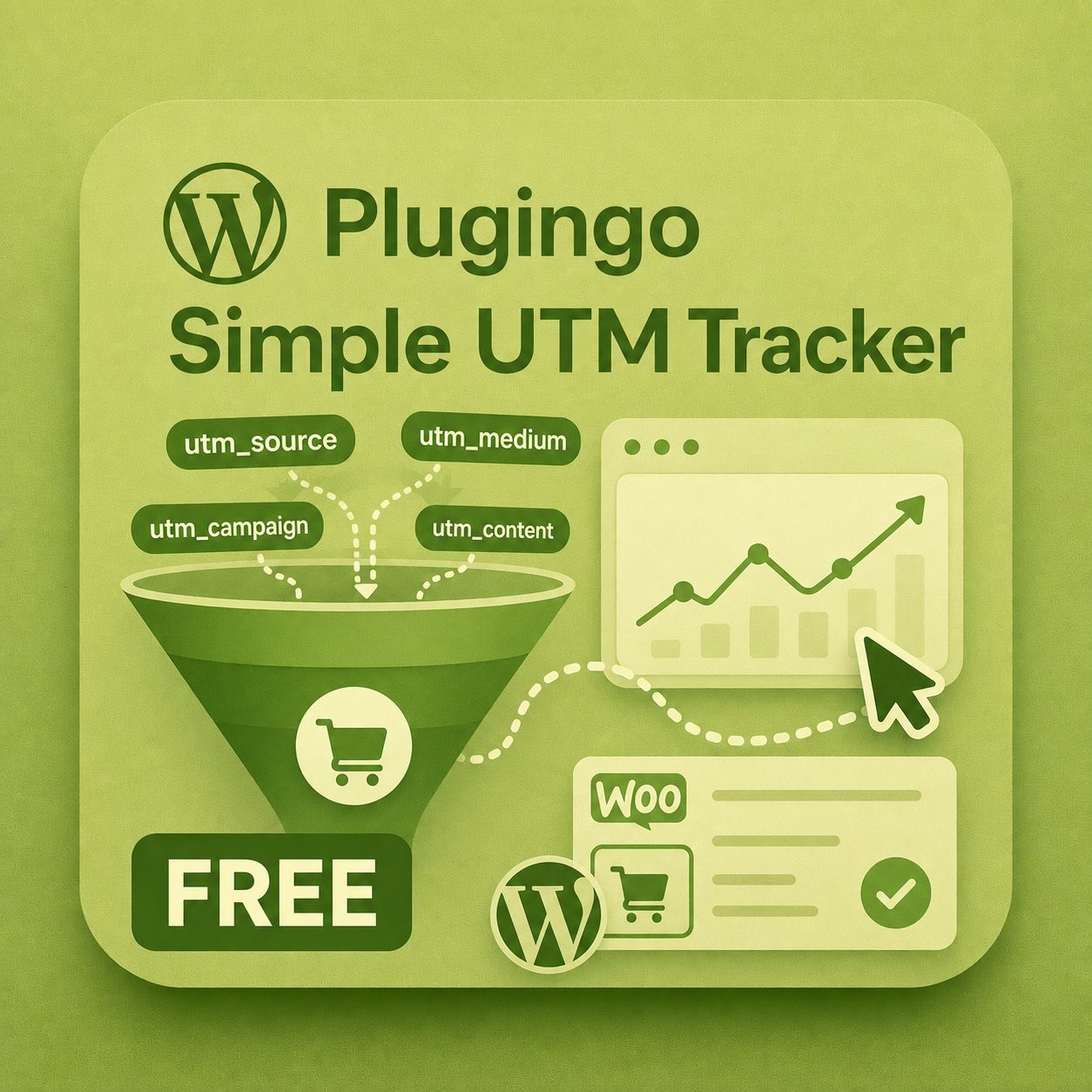
Parameters such as utm_source, utm_medium and utm_campaign normally exist only in the landing-page URL. PGO Simple UTM Tracker stores them in a first-party cookie, according to your consent settings, and makes them available to the form.
Configure Gravity Forms
- Install and activate PGO Simple UTM Tracker FREE.
- Open the form in Forms → Edit.
- Add an HTML field inside the form.
- Paste
[plugingo_utm_fields]into the field content. - Save the form and clear the cache for the page containing it.
Gravity Forms HTML fields support shortcodes. PGO outputs hidden inputs such as plugingo_utm_source, plugingo_utm_medium, plugingo_utm_campaign and available click IDs. Visitors do not see them, but they are submitted with the form.
?utm_source=newsletter&utm_medium=email&utm_campaign=test_gravity, browse to another page, submit the form and check the Gravity Forms entry for the plugingo_utm_* values.The important LiteSpeed Cache setting
Exclude the form page from page caching because the shortcode produces visitor-specific values on the server. In LiteSpeed Cache open Cache → Excludes → Do Not Cache URIs and add the form page path, for example /contact/. Do not add utm_* to Drop Query String, as removing campaign parameters before PGO captures them would make attribution incomplete.
What about WooCommerce orders?
No checkout changes are required. PGO automatically attaches attribution to the order. FREE displays the source in the order; PGO UTM Tracker PRO adds multi-touch journeys, campaign revenue reports, CSV exports, a URL builder and scheduled summaries.
FREE or PRO?
- FREE: UTM and click-ID capture, WooCommerce attribution, form shortcode and Contact Form 7 integration.
- PRO: multi-touch analysis, revenue dashboard, exports and campaign tools.
Download FREE Discover PRO Included in Plugingo Pass
Frequently asked questions
Do I need one hidden field for every UTM?
No. The shortcode automatically creates all available fields.
Does it work after multiple page views?
Yes. Attribution is preserved for the duration configured in the plugin, provided the required consent has been granted.
Can FREE and PRO run together?
No. The editions are alternatives and automatically deactivate each other to prevent conflicts.