

Pressing “Refresh” is easy; knowing what to check before and after is the real work. A secure upgrade reduces uncertainty, separates high-risk components, and makes it possible to roll back.
Before the update
- Read changelog, PHP requirements and declared compatibility.
- Check site health, disk space and recent logs.
- Prepare a verified backup of databases and files you actually need.
- Note checkouts, forms, emails and integrations that need to work.
Why use staging
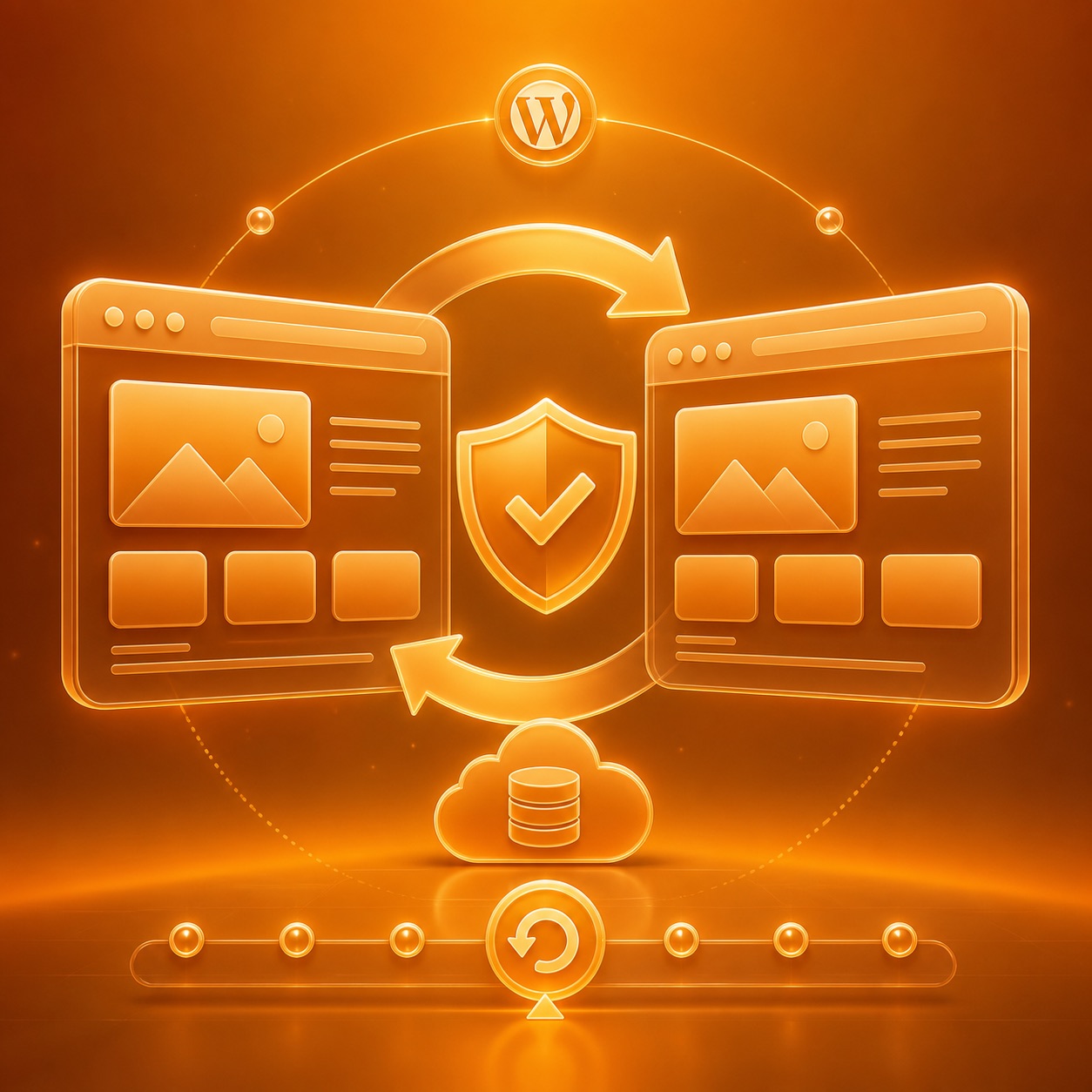
Staging reproduces the site without involving users. It must use an anonymized copy when it contains orders or personal data, prevent indexing and block emails and real payments. Update low-risk components first, then WooCommerce, gateways, and automations in separate batches.
The minimum test
- Login and administrative navigation.
- Product, cart, checkout and test order.
- Forms, transactional emails and downloads.
- Desktop and mobile frontend.
- PHP log and console with no new errors.
Concrete rollback
A backup is not a rollback until you know how to restore it. Define who intervenes, which files and tables to recover, how much downtime is acceptable, and what signals cause the release to abort.